

When I started experimenting with Sora AI images, I was genuinely impressed by the quality and creativity. The images were professional, cinematic, and usable. However, there was one problem that kept appearing: the Sora watermark. For personal projects, thumbnails, or presentations, that small logo usually ruined an otherwise perfect image.
I also made the decision not to guess but to test several Sora watermark remover tools myself. I also wanted to know which ones truly remove the watermark without damaging image quality, and which ones just blur the edges. Here is my personal experience with the best Sora watermark remover tools, starting with the ones that worked best.
- Cleanup.pictures (Best Overall AI Sora Watermark Remover)
- Why it works well for Sora images
- Adobe Photoshop (Best for Full Control and Professional Results)
- Why is it useful for Sora watermark removal
- Inpaint (Simple Online Tool for Basic Watermarks)
- Why do people still like Inpaint
- Snapseed (Best Free Mobile Option)
- Why it’s useful
- Legal and Ethical Reminder
- FAQs
- Can AI remove Sora watermarks completely?
- Which tool is best for beginners?
- Will watermark removal reduce quality?
Cleanup.pictures (Best Overall AI Sora Watermark Remover)
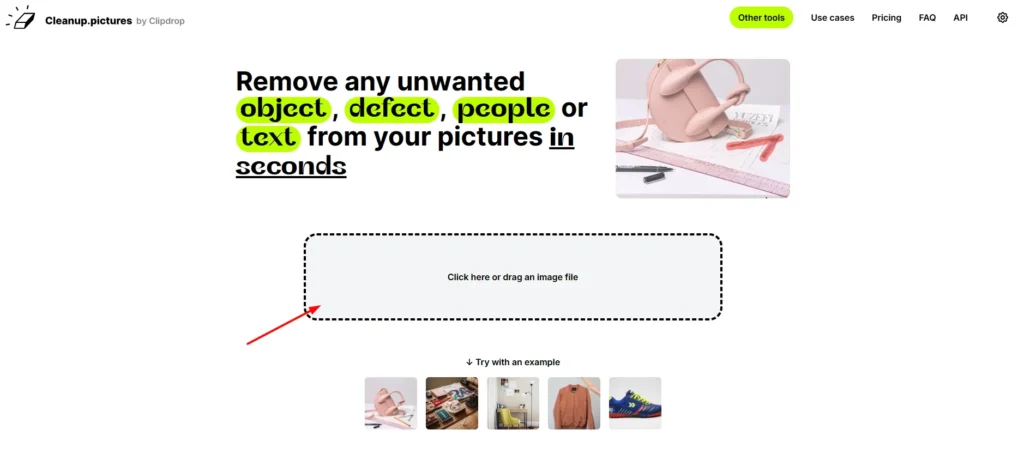
The first tool that I tested was Cleanup.pictures, and honestly, it set a very high standard. This is a web-based AI image cleaning tool that focuses on removing unwanted objects, text, logos, and watermarks in images.
What makes Cleanup.pictures stand out is how natural the results look. The AI does not blur or smudge the watermark area; the AI analyzes the surrounding pixels and rebuilds the background intelligently. When I removed a Sora watermark from a sky background and another from a wall with a texture, the results looked almost untouched.
The interface is simple. Upload the image, brush over the watermark, and click erase.
Why it works well for Sora images
Sora images have artistic textures, tints, and light. Cleanup.pictures handles these smoothly and blends the edited area so well that it is difficult to see that anything has been removed.
Best for: Beginners, fast results, clean output
Limitation: Free version has resolution limits
Adobe Photoshop (Best for Full Control and Professional Results)
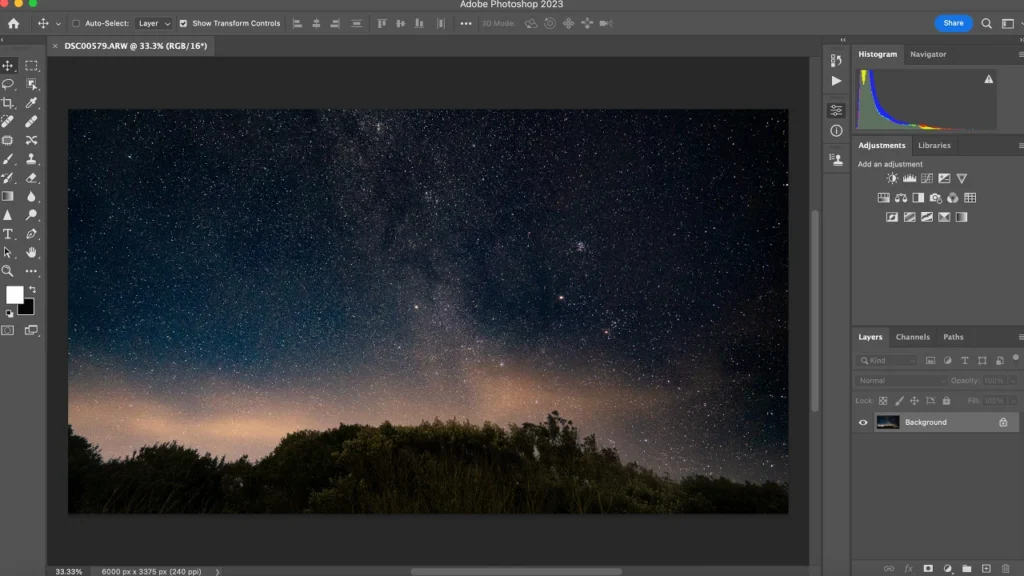
Photoshop is not new, but when it comes to complex watermark removal, it has no match in the area of control. I used Photoshop when the Sora watermark was covering valuable details, such as faces, text, or objects.
With tools like Content Aware Fill, Healing Brush, and Clone Stamp, you can manually guide the removal process. This is because you are not completely relying on AI guesses. You can fine tune edges, shadows, and textures until the image looks perfect.
During my testing, Photoshop gave the most accurate results. However, it takes time and some editing skills.
Why is it useful for Sora watermark removal
If the watermark touches important parts of the image, Photoshop allows precision editing that AI tools sometimes struggle with.
Best for: Professionals, designers, high-value images
Limitation: Paid software and time-consuming
Inpaint (Simple Online Tool for Basic Watermarks)
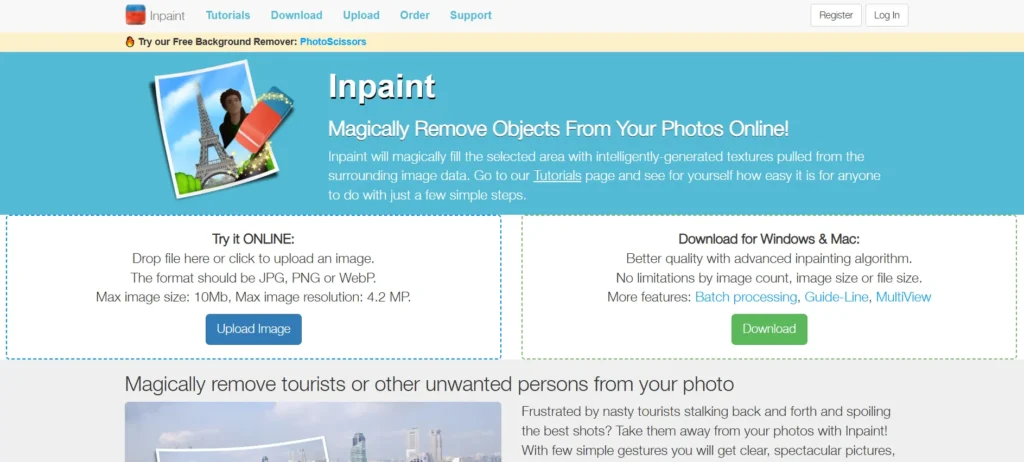
Inpaint is another online tool I tested, mainly for simple Sora watermarks in corners. It works like Cleanup.pictures, but not advanced.
The process is simple. Upload the image, highlight the watermark, and erase it. Inpaint works best on flat backgrounds like walls, skies, or blurred areas. With more complex textures in the background, the edited area sometimes looked soft or repeated.
Why do people still like Inpaint
It is fast, lightweight, and works on any device without installation.
Best for: Simple images and quick fixes
Limitation: Not ideal for detailed backgrounds
Snapseed (Best Free Mobile Option)

Snapseed was my first choice when I wanted to remove Sora watermarks from my phone. This free app by Google offers a Healing tool that works surprisingly well if you take care when using it.
Snapseed is not as advanced as Cleanup.pictures, but with small Sora watermarks, especially in corners, it works well. You need to zoom and brush gently, but the results can be quite clean.
Why it’s useful
Best for quick edits on iPhone or Android without a PC.
Best for: Mobile users, quick edits
Limitation: Manual process, needs patience
Download it from the Google Play Store and App Store.
Legal and Ethical Reminder
Only remove watermarks from images you created yourself or to which you are allowed to edit. It may violate the terms and laws to remove watermarks from copyrighted or paid content without the rights.
FAQs
Can AI remove Sora watermarks completely?
Yes, when the watermark is small or placed on simple backgrounds.
Which tool is best for beginners?
Cleanup.pictures is the easiest and most effective.
Will watermark removal reduce quality?
Some tools may slightly affect quality, but careful editing keeps it minimal.







A little discussion goes a long way.
Ask a question, share your experience, or help someone find an answer.
There is room for your perspective.
No discussions match this view yet.
Your voice belongs here
Keep it useful. Keep it kind.