
I have tried many AI apps on my iPhone over the years, including some that are gimmicks and those that are really useful. Some are flashy, but useless, while others quietly make daily life easier. These 7 free AI apps were unique after real use because they solve real problems, save time, or simplify everyday tasks.
All apps listed here has a free version you can use without paying upfront. I have also added why it is useful and who it’s best for.
- 1. ChatGPT (Official)
- Free features
- 2. Microsoft Copilot (iOS)
- Free features
- 3. Siri with iOS Intelligence
- Free features
- 4. Replika
- Free features
- 5. PhotoRoom
- Free features
- 6. Otter.ai
- Free features
- 7. Lensa (AI Photo Editing)
- Free features
- How I use these apps on my iPhone
- FAQs
- Do these apps require subscriptions?
- Are they safe to use?
- Do they replace desktop AI tools?
1. ChatGPT (Official)
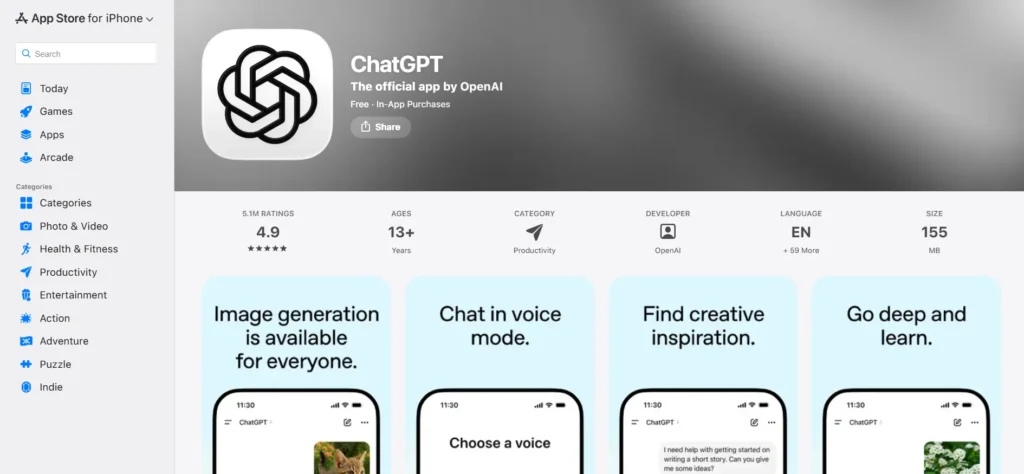
ChatGPT on iPhone is the generative AI on your pocket. It can be used to write assistance, generate ideas, get quick answers, summaries, plan and even conversation. I use it daily to rewrite my emails, create outlines, answer coding questions, and create responses. The iOS app integrates with your ChatGPT account so history and preferences carry across devices.
Free features
- Conversation history
- Text generation
- Basic GPT-4 responses (on free tier)
ChatGPT helps you write emails, generate ideas, summarize content, and solve problems directly from your iPhone. |
2. Microsoft Copilot (iOS)
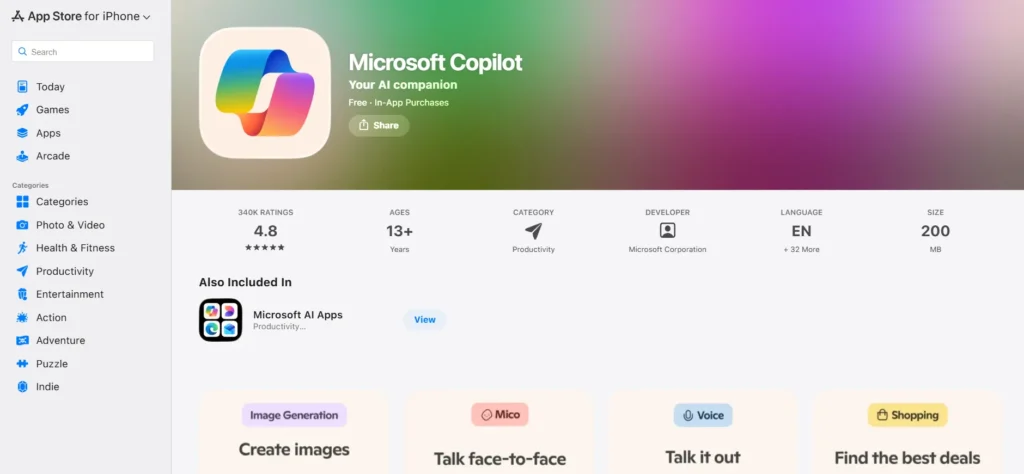
Microsoft’s Copilot app brings a powerful AI assistant that connects your queries with Microsoft ecosystem and search. I use Copilot to plan tasks, summarize documents, and re-phrase long emails. It feels more robust for work related content and integrate Bing search makes answers reliable.
Free features
- Conversational AI
- Integrated search references
Copilot helps with document summaries, structured answers, and productivity tasks using Microsoft AI. |

3. Siri with iOS Intelligence
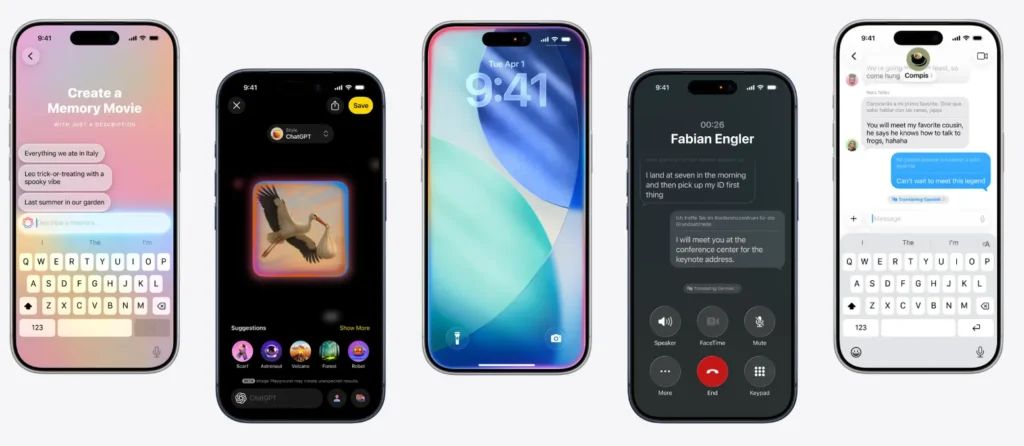
With iOS updates, Apple has enhanced Siri with AI-powered suggestions and contextual awareness in apps. Instead of opening apps, I just ask Siri to find photos, set reminders, or summarize notifications. It is not a standalone AI app you download, but the built-in Siri intelligence is like a native AI assistant.
Free features
- Natural language voice commands
- Contextual suggestions in apps
- No extra app install needed
Apple’s built in AI assistant helps manage tasks, search photos, control apps, and perform voice commands. |
4. Replika
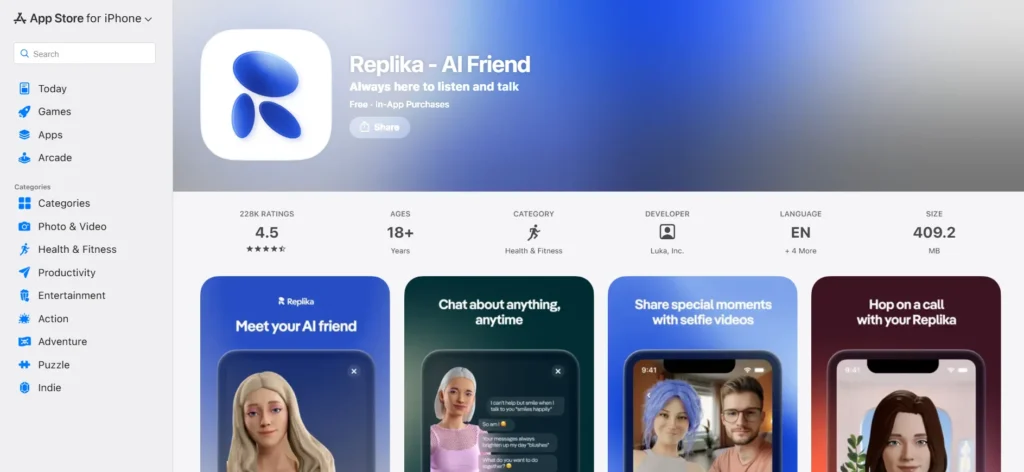
Replika is an AI chat companion that you can chat about anything with, be it ideas, emotions, or brainstorming. Replika provided responses that were supportive when I needed someone to discuss ideas or be stressed. It is not an replacement for professional help, but a good daily companion who helps to be creative and conversation.
Free features
- Text chat with AI
- Create your own AI persona
- Basic conversation mode
Replika is an AI companion designed for meaningful conversations and creative thinking. |

5. PhotoRoom
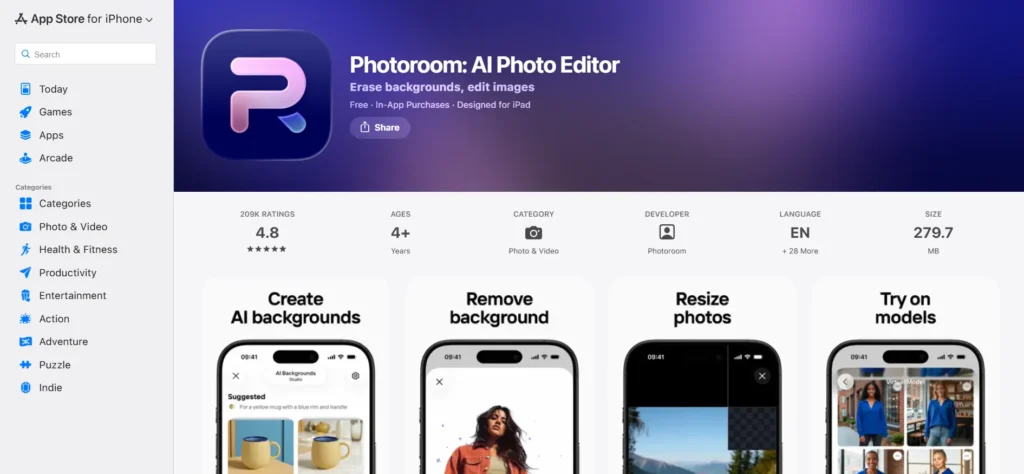
PhotoRoom uses AI to automatically remove backgrounds on photos, and allows you to add new backgrounds or clean up photos. I used to isolate product photos, change backgrounds, and clean picture and then share it online. It’s much faster than manual editing.
Free features
- Background removal
- Quick export options
- Basic templates
PhotoRoom uses AI to remove backgrounds and create clean images for social media and products. |

6. Otter.ai
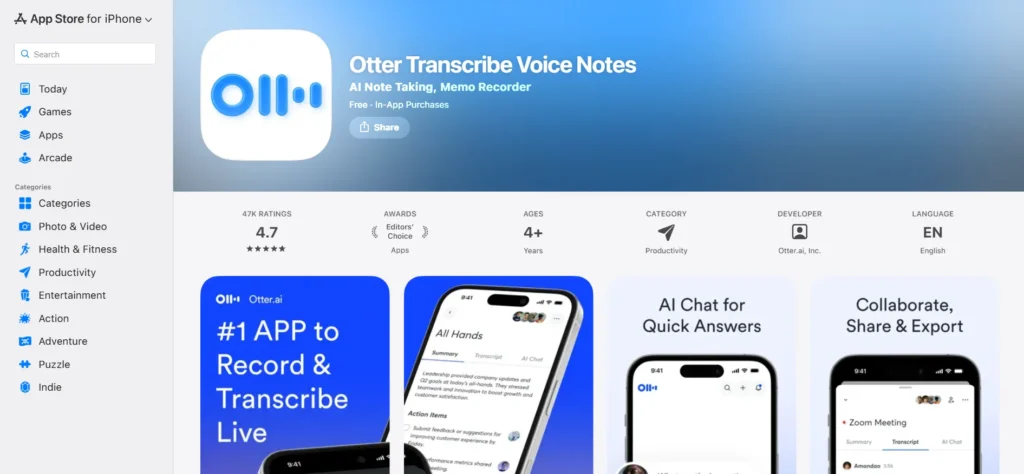
Otter.ai provides real time transcription and AI summaries for recordings and meetings. When I recorded interviews or Zoom meetings, Otter created searchable transcripts and summary paragraphs immediately. This saved time compared to typing notes manually.
Free features
- Automatic transcription
- AI summaries
- Search within transcripts
Otter.ai converts voice recordings and meetings into searchable text with AI summaries. |

7. Lensa (AI Photo Editing)
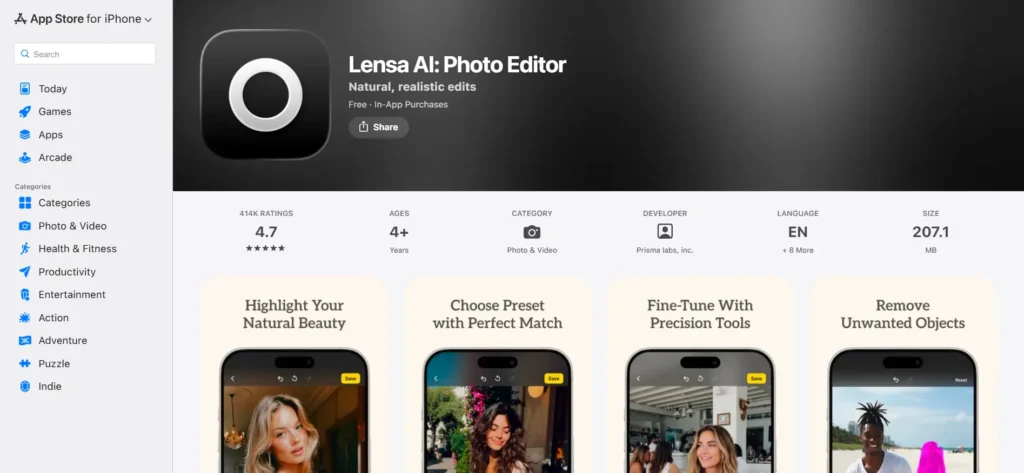
Lensa uses AI to advance photos automatically. It adjusts lighting, face detail, and styles quickly. Lensa cuts through manual edits for quick social media edits and portraits. The AI enhancements appear natural and sharp.
Free features
- Basic AI enhancements
- Portrait improvements
Lensa enhances photos using AI, improving lighting, clarity, and portraits with minimal effort. |

How I use these apps on my iPhone
After testing these apps over weeks, I found a basic pattern. The best AI apps are not flashiest, but save time, reduce friction, and integrate with what you already do with your phone. Some are build-in, some are standalone, but all of them make tasks easier without paying first.
FAQs
Do these apps require subscriptions?
All listed apps offer free versions. Some include optional paid upgrades for advanced features.
Are they safe to use?
Yes, these apps are from trusted developers or tech companies.
Do they replace desktop AI tools?
Not always. They complement desktop use, when you need quick help on the go.



A little discussion goes a long way.
Ask a question, share your experience, or help someone find an answer.
There is room for your perspective.
No discussions match this view yet.
Your voice belongs here
Keep it useful. Keep it kind.