After the recent AI boom, the technology has not only been incorporated into chatbots but is also being extensively used to enhance the quality of digital images.
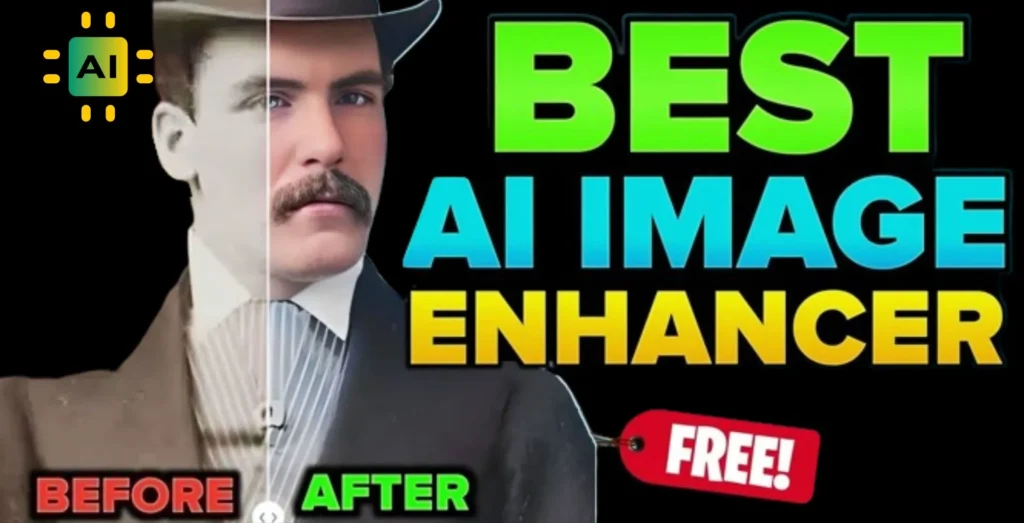
By using AI-based image enhancer tools, it is now possible to aggravate the resolution or enhance the definitional density of the pictures.
It can also take old pictures, cropped and blurred images at the edges and make them bigger, improve the existing scene, create an avatar in whatever form is required using Artificial intelligence, and many more.
Best AI Photo Enhancers
Is it possible to download many AI photo enhancers now? Which works better? In this article, we have reviewed and suggested the best AI photo enhancers you can apply.
Remini
- Platforms: Android, iOS, and Web
- Price: Free, Paid plan starts at $6.99 per week
If you are looking for the best AI-powered photo enhancer to do it all for you, you should consider Remini. It boasts several advanced features based on Artificial Intelligence, which improve the quality of your photos and enable you to visualize yourself in a new identity.
First, you can enhance poorly restored images, increase the quality of low-resolution images, change old and blurry photos to better quality, restore grainy images from noise, and many others.

AI can help you change the color of the photos, create the yearbook of the 90s, generate professional photographs for your resume, and so on.
For portraits, it can make your face look better, recover details, and even make the colors more vivid. You can also put on other personas and avatars if that’s the change you are seeking in the results you get.
If you want to get the most out of the app, I recommend the user purchase the slightly costly paid version. The free application is complete with advertisements, and some options are available only in the paid version.
You should also remember that you will upload all your photos to Remini’s cloud, as the company states, and delete them automatically after 20 days.
Try ReminiBeautyPlus
- Platforms: Android, iOS, and Web
- Price: Free, with a paid plan starting at $6.99/month
With its intuitive design and cutting-edge AI capabilities, BeautyPlus is an excellent choice for anyone looking to enhance their images effortlessly.
BeautyPlus elevates ordinary photos to extraordinary heights, from simple touch-ups to complete transformations. With its powerful algorithms, the AI Enhancer feature of BeautyPlus offers precise enhancements that sharpen details and optimize colors.
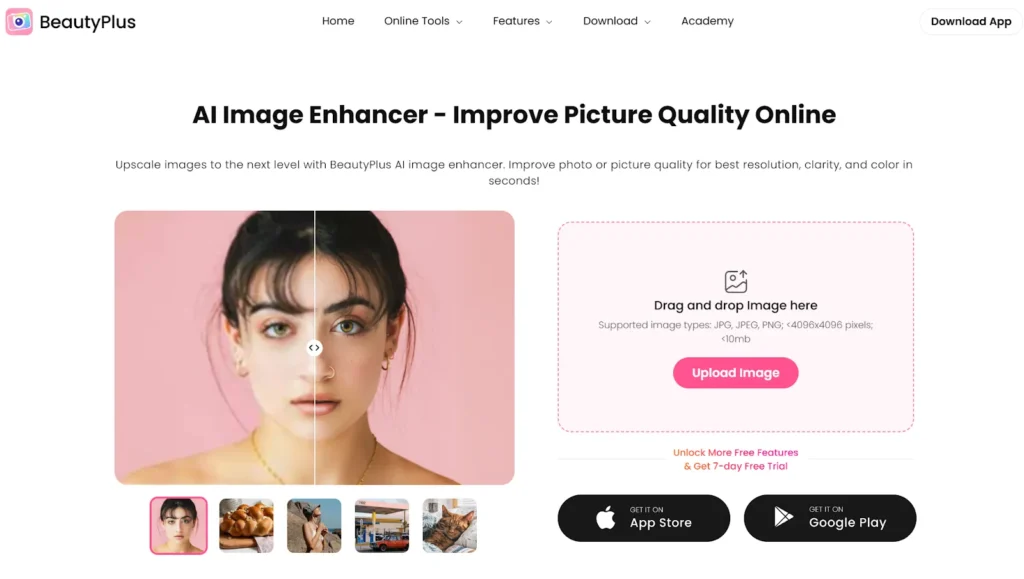
It can also quickly restore old photos. BeautyPlus’s AI restores damaged images, bringing back the clarity and charm of vintage memories. It’s like a time machine for your photos, preserving history with enhanced visuals.
The app’s facial recognition technology also stands out. It enhances portraits naturally, ensuring professional-grade results. From skin tone adjustments to eye-brightening, BeautyPlus captures the essence of your subjects beautifully.
With a creative toolkit, BeautyPlus inspires artistic expression. Filters, effects, and framing options transform images into unique visuals. It’s an all-in-one solution for people who are seeking professional results.
Try BeautyplusLensa
- Platforms: Android and iOS
- Price: Free, Paid plan starts at $5.99 per month
Lensa is an AI-based photo enhancement application that can be downloaded to Android and iPhone. If you have taken selfies and portraits and want to use AI tools to make them trendy, the Lensa app is the best choice. Its valid features include the “Magic Correction” that helps enhance your selfie portraits.
To create the best picture, one can change the eye effects, lip color, and other face features that look imperfect.

You can completely blur the background, apply different filters and effects to the photos, retouch them, and thus perform many other things.
I also should remind you that using Lensa, one can create a few interesting avatars of the person. For skin refining and facial corrections, Lensa has many tools that are not available in any other application.
Try LensaClipdrop by Stability.ai
- Platforms: Web
- Price: Free, Paid plan starts at $10 for 1000 credits
The author of Stable Diffusion, Stability.ai, offers you an impressive web application called Clipdrop that will let you use AI to improve your photos. What I like most about this AI service is that it is free.

One of the things I find interesting about Clipdrop is that it allows the zooming of an image using AI, which I find appropriate. With the “Uncrop” tool, you can create a big space and fill in the blank area. Then there is background remover, sky replacer, text remover, etc.
New brushes also allow the creation of multiple versions of an image within the ‘Reimagine XL’ tool. If you are looking for a single platform to improve images with AI, Clipdrop is a perfect option.
Try Clipdrop by Stability.aiPhotoApp
- Platforms: Android and iOS
- Price: Free, Paid plan starts at $4.99 per week
According to the latest user ratings, PhotoApp is among the best AI photo enhancers for iPhone and Android phones. It gathers a list of related AI photo enhancement tools in one application. With PhotoApp, you can improve your face and further details to clarify your pictures.
You can quickly turn on your face to give it a glow while it easily adjusts the colors. This can even make any faint sketch or photograph clear and very detailed.

The PhotoApp also allows you to create an artificial image for various uses. Create your professional-quality photo, or give new life to your pictures by changing the lighting.
The app enables you to develop old or scanned pictures and glaze, remove scratches, erase random objects, and many others.
PhotoApp includes all the AI-based instruments to edit an image to your heart’s content without needing to search for more.
Try PhotoAppFotor
- Platforms: Android, iOS, and Web
- Price: Free, Paid plan starts at $8.99 per month
Fotor is our next AI photo enhancer on this list. It provides applications for Android and iOS, but Fotor also provides a web version where users can edit photos easily without registration. It has many AI traits that can improve photographs taken on the fly.
You can enhance your photo with advanced AI in one click, eliminating the background, unsharp an image, and improving the subject’s skin tone.

Additionally, the Conversations operation of Fotor AI enlarger can make images larger with sharper and higher resolution, and an AI avatar maker helps make you.
There are many capabilities, such as AI enlarging pictures, recovering blurred images, bringing back color to B&W images, erasing texts in pictures, etc.
We also saw earlier that Fotor comes loaded with many more AI image enhancement features, which you should explore.
Try FotorThose mentioned above are some of the best AI photo enhancers you can apply to improve image quality instantly. Since mobile apps and services marked above provide different forms of artificial intelligence services, we have focused on those that give you opportunities to upscale images, restore old photos, unblur photos, colorize them, create avatars, expand pictures, and much more.