

If you need fast answers, content summaries, or writing assistance, AI chatbot extensions can improve your browsing experience. With so many options available, this can be daunting.
I tried four of the most popular AI chatbot extensions available for Google Chrome (Monica, Merlin, ChatGPT Sidebar, and Perplexity AI) to see which one is the best and most productive and capable of assisting you as your AI-powered buddy. Here’s what I discovered.
- AI Chatbot Extensions Tested
- AI Chatbot Extensions Comparison
- Monica – The Best All-in-One AI Assistant
- Perplexity AI – The Best for Quick Answers & Summaries
- Cons
- Merlin – The Best for Balanced Use
- ChatGPT Sidebar – The Best for Clean UI & Advanced Features
- Which is the Best Chrome AI Chatbot Extension?
- Why Monica?
AI Chatbot Extensions Tested
We tested the following Chrome AI chatbot extensions based on features, ease of use, and performance:
- Perplexity AI – Famous for live web search + instant summaries.
- Monica – A feature-rich AI assistant with writing, translation, and creative tools.
- Merlin – A balance between simplicity and functions that provide answers and summaries of web pages quickly.
- ChatGPT Sidebar – AI chat, translate text, upload files, and generate content.
These were rated against usability, free query limits, and integration with various AI models.
AI Chatbot Extensions Comparison
For users who want to access multiple AI models through a single platform, ZenMux provides a unified API for connecting with a wide range of AI models.
| Extension | Features | Ease of Use | Performance |
|---|---|---|---|
| Perplexity AI | Instant page summaries, real-time Q&A, Claude 3 Haiku integration. | Simple and user-friendly interface. | Unlimited queries, great for quick answers. |
| Monica | Comprehensive AI suite, writing tools, search, translation, image & video generation. | Cluttered interface, but customizable with shortcuts. | Unlimited queries for basic AI models, best for multi-purpose use. |
| Merlin | Productivity-focused with quick AI assistance & content summarization. | Simple UI, but slightly outdated. | Free 100 daily credits, supports GPT-4o & Claude 3 Sonnet. |
| ChatGPT Sidebar | AI chat, translation, file uploads, and multimedia generation. | Clean layout with an intuitive UI. | Limited free use (30 credits/day), no free premium model access. |
Monica – The Best All-in-One AI Assistant
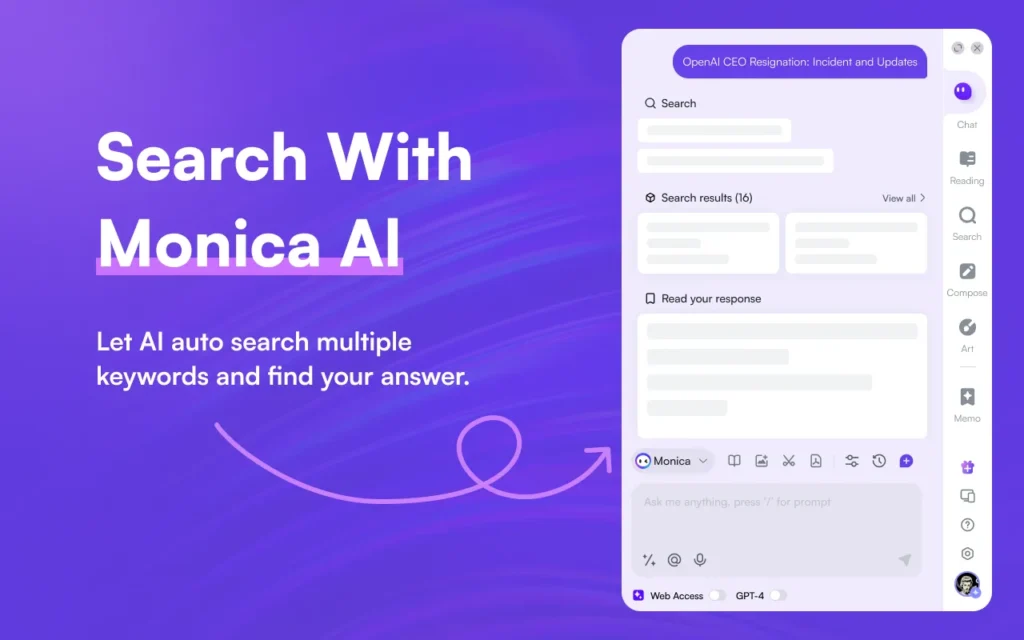
Monica offers the most feature-rich Chrome AI chatbot extension. It contains chat, writing, translation, image & video generation. The extension also supports file uploads, real-time search, and AI model selection.
Pros
- Unlimited access to basic AI models (GPT-4o mini, Claude Haiku, DeepSeek R1).
- Versatile AI capabilities, including file uploads and memory retention.
- Supports real-time web research.
Cons
- No free credits for premium AI models.
Perplexity AI – The Best for Quick Answers & Summaries
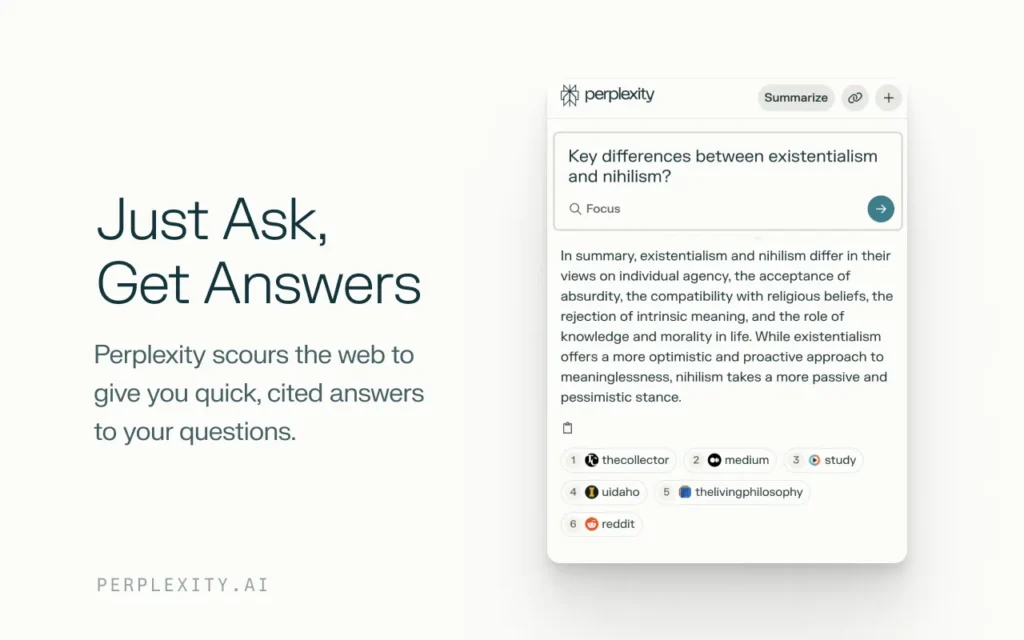
Perplexity AI is a light and fast Chrome extension designed for quick Q&A and webpage summaries. It even lets users tell the AI where it should find its answers, the website or the internet.
Pros
- Simple and intuitive interface.
- Unlimited queries for real-time searches.
- Uses Claude 3 Haiku for concise and accurate responses.
Cons
- Limited to quick Q&A and summaries.
- Not ideal for writing or advanced AI tasks.
Merlin – The Best for Balanced Use
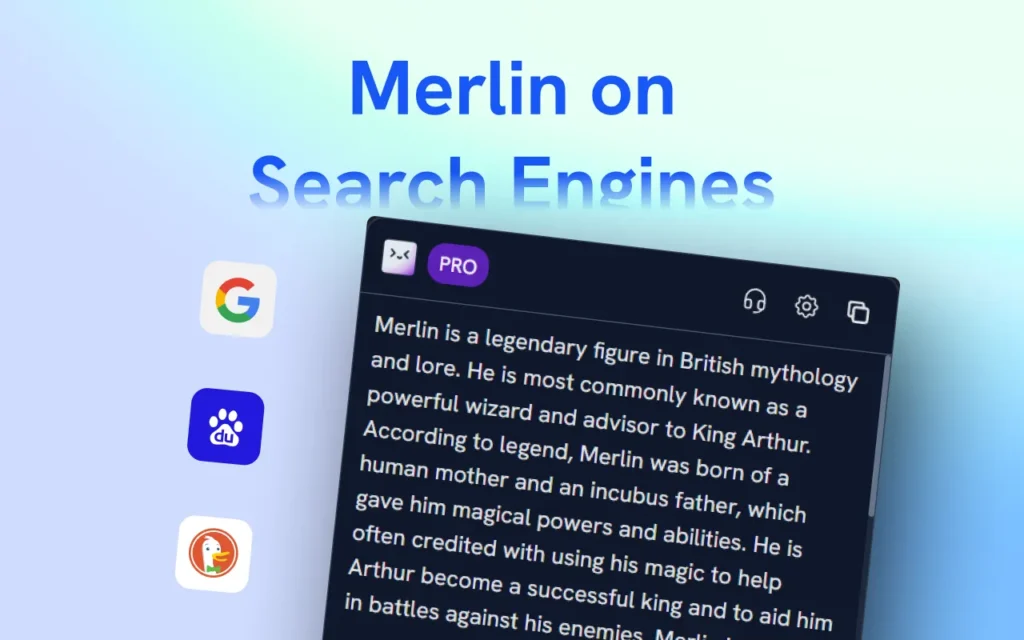
Merlin does a good job balancing simplicity and advanced features. It is good for research and content summarization. It provides GPT-4o and Claude 3 Sonnet, 100 free credits (per day).
Pros
- Simple and intuitive UI.
- Supports premium AI models with free credits.
- Good for research and coding assistance.
Cons
- Free credit system limits daily usage.
- Lacks support for DeepSeek and GPT-o1 models.
ChatGPT Sidebar – The Best for Clean UI & Advanced Features
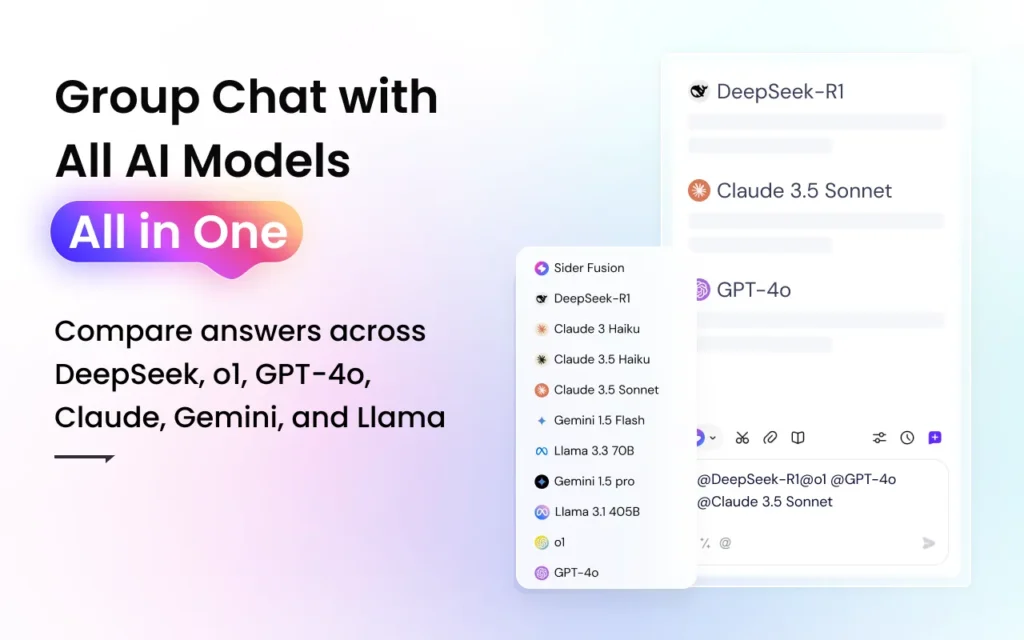
ChatGPT Sidebar offers similar capabilities as Monica but instead sports a more refined UI. But it gives 30 credits a day, so free use is very much restricted.
Pros
- Clean, easy-to-navigate UI.
- Supports AI-powered file uploads and multimedia generation.
- Access to GPT-o1 and other super-advanced models.
Cons
- Only 30 credits/day for free users.
- No free credits for GPT-4o or Claude 3.5 Sonnet.
Which is the Best Chrome AI Chatbot Extension?
After testing, Monica emerges as the top-performing free AI chatbot extension for Chrome.
Why Monica?
Chat, writing, translation, image & video generation (most features).
- Access to basic AI models (GPT-4o mini, Claude Haiku, DeepSeek R1) with free unlimited usage.
- No need for premium access, for a real-time web search.
- But if you are looking for a cleaner UI with AI support, Merlin would do much better than the ChatGPT Sidebar, considering the free credits.
If you are already subscribed to an active AI service that requires a paid subscription, then it may be preferable to quickly search for free via Perplexity AI and access your AI service directly via their designated website.




A little discussion goes a long way.
Ask a question, share your experience, or help someone find an answer.
There is room for your perspective.
No discussions match this view yet.
Your voice belongs here
Keep it useful. Keep it kind.