
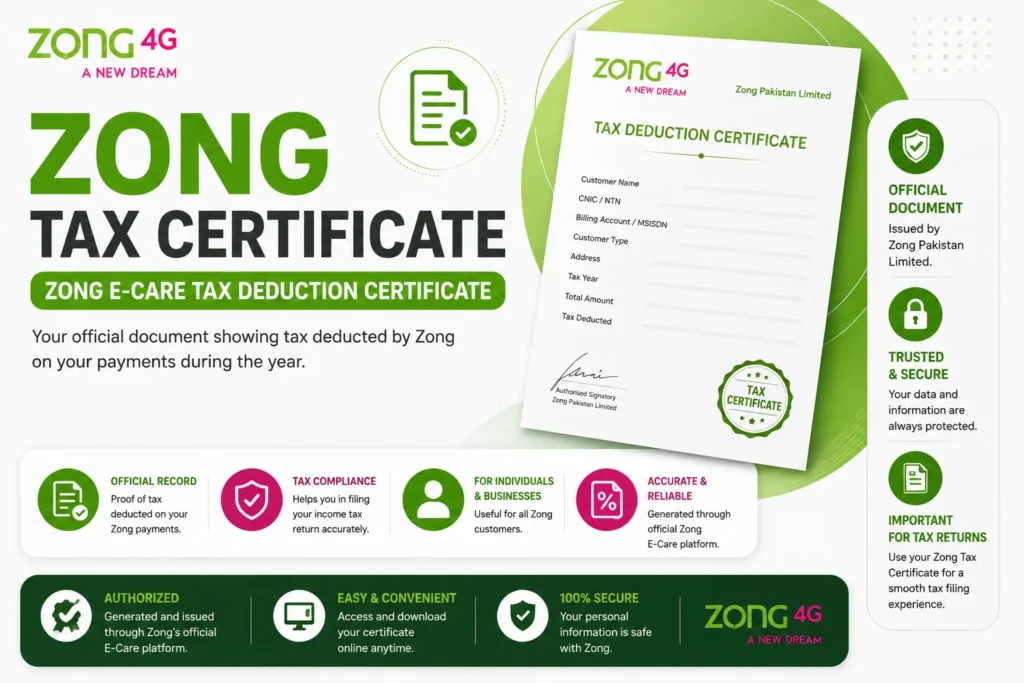
Zong Tax Certificate 2026: The Zong tax certificate is an exciting concept. Would you want to know more about it? In the following paragraphs, I will describe how Zong Prepaid and Postpaid users can obtain a tax certificate for their SIM cards.
Your Zong Tax Certificate must be included with your annual tax statement record. The official Zong E-Care application is the only way to get your annual Zong Tax Deduction Withheld Certificate. To receive your statement, follow the steps given below.
Pakistani mobile networks have all launched e-care, tech apps, SMS messages, and WhatsApp services that allow users to get Tax Certificates for free. However, Zong has developed more than two methods for downloading a tax certificate.
What is the Zong Tax Certificate?
This process will be initiated when the customer requests a Tax Certificate. For the complete fiscal year, regardless of subscription type (Postpaid or Prepaid), ZONG will provide customers with a Tax Certificate (of Advanced Tax) upon query after the fiscal year (1 July 20xx to 30 June 20xx).
Tax payment receipts are recharged on your phone as proof of payment. The tax certificate calculates the tax you pay on packages and recharges. Here is how to get it.
Prepaid and postpaid customers can now access yearly tax-paid evidence on their doorstep. Using these two free methods, you can quickly get a tax certificate online without visiting a franchise or local customer service center.
- My Zong App
- Zong E-Care
Zong Tax Certificate through My Zong App
Download the My Zong app from the Google Play Store or App Store. Open My Zong and enter your Zong number; a confirmation SMS with your PIN will be sent to your Zong SIM number. Enter your PIN and log into your account.
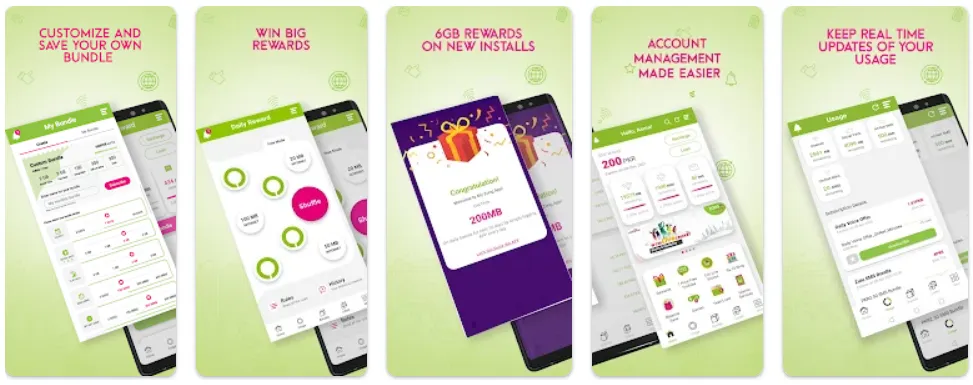
- I suggest that you download and install the “My Zong App.”
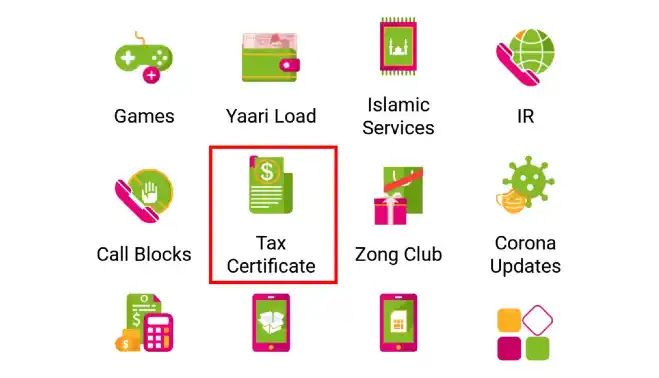
- Go to the options listed on the application’s home page.
- Go to the third line of the menu and click “Tax Certificate.“
- After the redirect, you will be taken to a third page with three basic buttons.
- You must enter the certificate’s “Start Date” and “End Date”.
- At the end of the process, click the “Download Tax Certificate” button and wait for it to download.
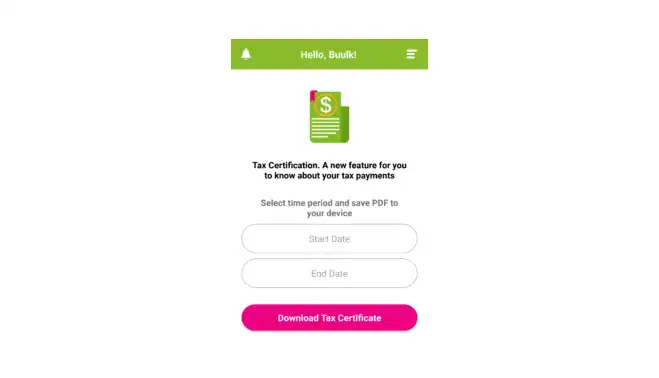
- Your tax certificate will start to download on the date you select.
Zong Tax Certificate through Zong E-Care
Zong E-official Care’s website is the trick to checking and downloading Zong Tax Certificates. Yes! This portal was explicitly created to manage such downloading to improve the service’s reliability for prepaid and post customers.
- Visit the Zong E-Care official website.
- Enter your Zong number in the appropriate field.
- In the second box, enter the required characters.
- Your account can be accessed by clicking the “log in” button.
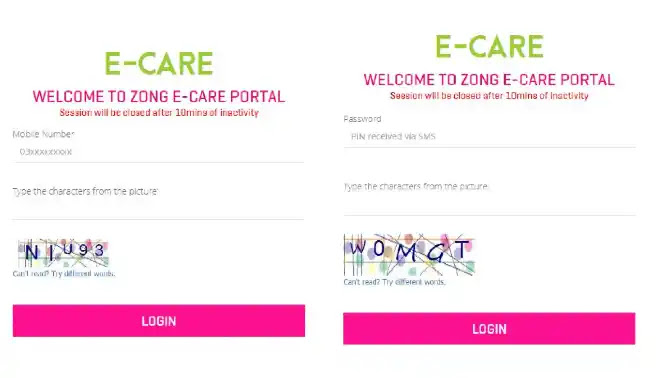
- You will receive a code via SMS from Zong on your phone number; enter this code on the following page to continue.
- It will automatically redirect to the Zong E-Care home page.
- Click on the fifth option, “Usage History,” on the right side of the screen.
- Enter the fields’ month, date, and year for a free Zong Tax Certificate.
- Follow these instructions to download your certificate from the e-care website.
A standard viewer can download tax certificates and stay up-to-date with WikiTechLibrary’s latest tricks by following a step-by-step guide.



A little discussion goes a long way.
Ask a question, share your experience, or help someone find an answer.
There is room for your perspective.
No discussions match this view yet.
Your voice belongs here
Keep it useful. Keep it kind.