
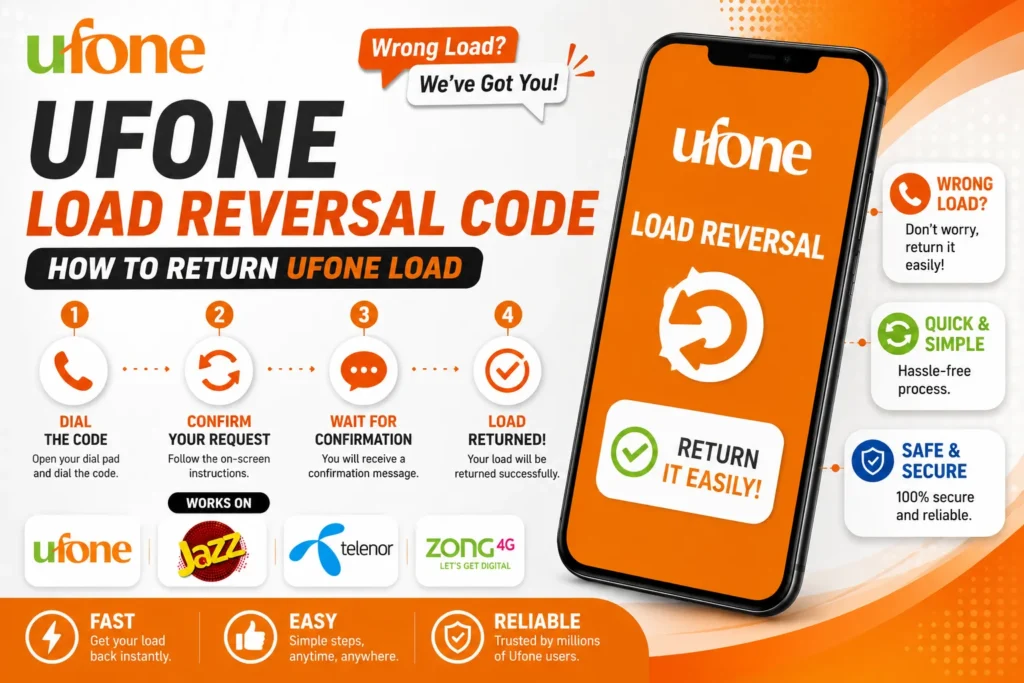
If you mistakenly sent a load to the wrong number and want to return your balance, read the complete post; we will provide full details on how to return your Ufone load.
Ufone load reversal code – How to return Ufone load
If you have mistakenly sent a load to the wrong Ufone number and want to return the load balance. Just follow the steps given below to return the Ufone load.
- You will need to ask your Ufone retailer for your 16-digit Transaction ID.
- Open the Messaging app and Write a Message.
- Type a message with your Transaction ID.
- Send it to 475.
- After a few minutes, you will get back your load.
Note: If you do not get your load back, call 4974 or Ufone helpline to return your load.

How to Return Ufone Load? – 2nd Method
There is another method to return your Ufone load easily. Just follow the steps below.
- Open the phone dialer pad and Dial *475# from the Ufone sim.
- Choose your language.
- Now type 2 (Uload Reversal option) and send it.
- Enter the transaction ID.
- After that, your problem has been solved and you will get back your Ufone load.





A little discussion goes a long way.
Ask a question, share your experience, or help someone find an answer.
There is room for your perspective.
No discussions match this view yet.
Your voice belongs here
Keep it useful. Keep it kind.