
Today, protecting your personal data is more important than ever. While data breaches and online tracking have never been higher, privacy concerns are also certainly present, and the first step to securing your information is taking proactive action.
I have explored and tested many privacy-focused apps to find the best privacy options for Android users. Some apps, from secure browsing to encrypted storage and password management, have different privacy needs. Be it intrusive ads, keeping your personal notes confidential, or being worried about hackers, these tools help.
In this article, I created my curated list of privacy apps that I have tried and ranked them from A to Z based on usability, privacy features, and performance.
Brave Browser: The Best Private Browser
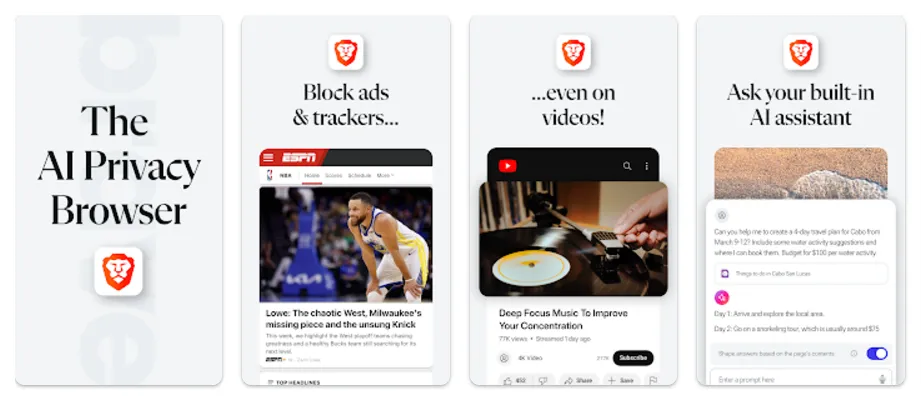
Privacy is my first browser choice, Brave. It censors trackers, secures connections to HTTPS by default, and takes tracking codes out of URLs. Brave has also added built-in ad blockers, Brave Leo AI assistant, and Brave Search for a private browsing experience.
Pros
- Blocks harmful trackers and ads by default.
- Upgrades connections to HTTPS for better security.
- No data collection; includes Brave Search for private browsing.
Cons
- Limited browser extensions compared to Chrome.
ExpressVPN: Safe Browsing Guaranteed
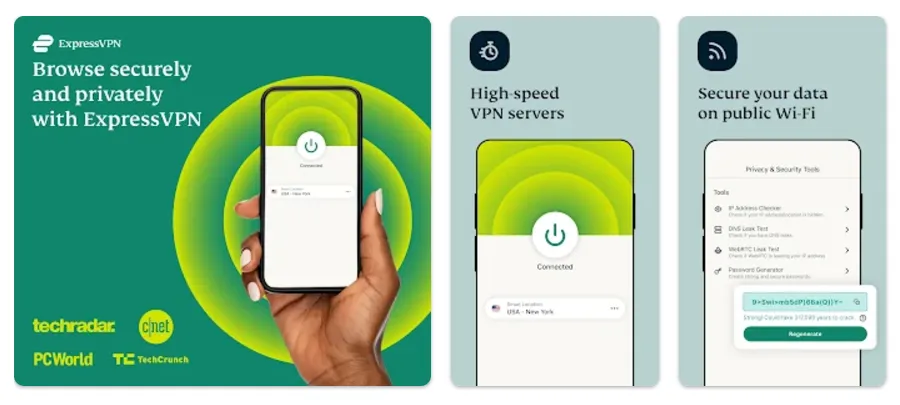
By encrypting your internet traffic, ExpressVPN masks your IP address and protects your online activity. It is a trusted VPN because of its full server network and no-logs policy.
Pros
- AES-256 encryption ensures top-notch security.
- No-logs policy and DNS leak protection.
- Vast server network for faster connections worldwide.
Cons
- One of the more expensive VPN services.
1Password: Credential Management has been simplified
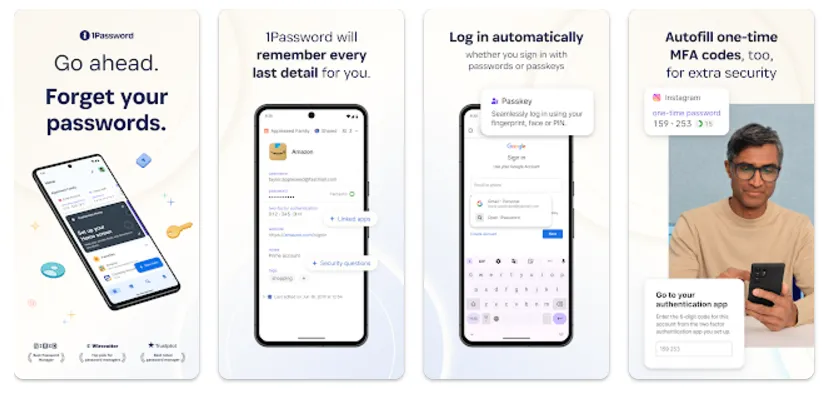
With 1Password, passwords are easy to save and manage. TOTP support, Watchtower alerts, and autofill integration make it a solid security solution for sensitive credentials.
Pros
- Offers TOTP support and Watchtower for password security checks.
- Cross-platform syncing with auto-fill.
- Supports strong passkey generation.
Cons
- Requires a subscription for premium features.
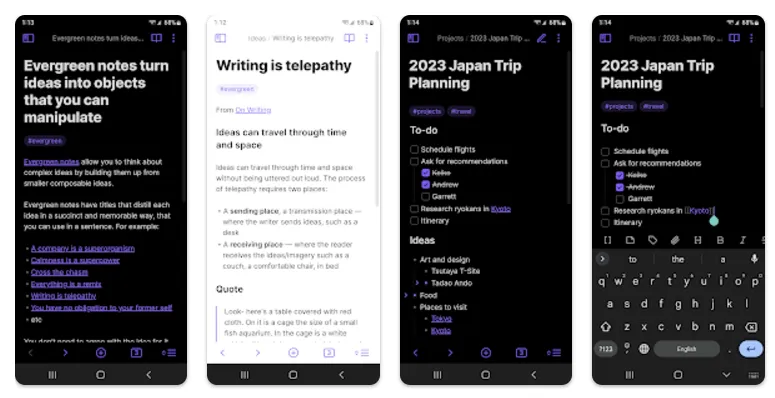
Obsidian: Advanced Users Secure Note Taking
This local knowledge management app gives you an encrypted vault for your notes. Its Markdown support and graph view for viewing note connections make it a favorite for secure note-taking.
Pros
- End-to-end encryption for privacy.
- Graph view and Markdown support for note organization.
- Customizable with plugins and themes.
Cons
- Learning curve for new users.
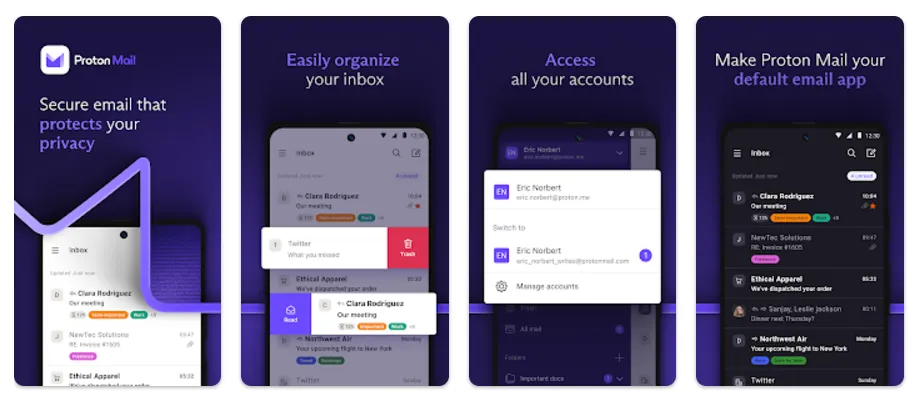
ProtonMail: Encrypted Email Service
For those who need secure communication, Proton Mail is a perfect choice. It offers many features, including end-to-end encryption, zero-access architecture, and password-protected emails.
Pros
- End-to-end encryption for ultimate email privacy.
- Features self-destructing emails and biometric security.
- Zero-access ensures no one can access your messages.
Cons
- Limited free tier with storage constraints.
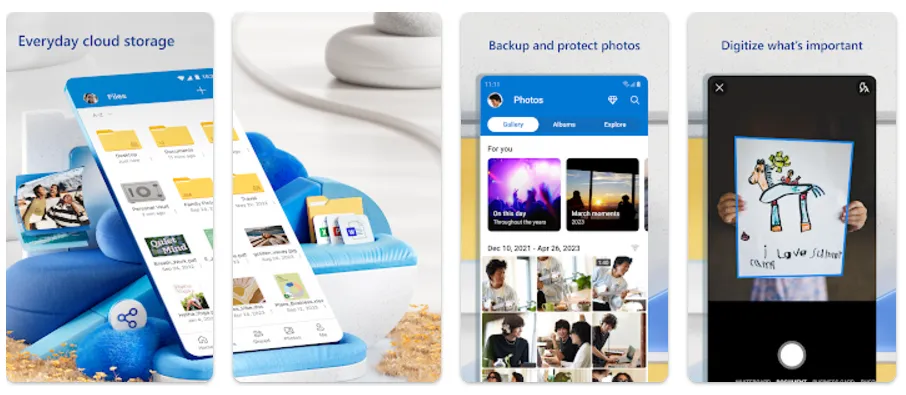
OneDrive Personal Vault: Secure File Storage
OneDrive’s Personal Vault by Microsoft is a safe option for documents and media you would rather keep private. It’s an excellent option if you manage files securely and with document scanning, encryption, and cross-device syncing features.
Pros
- Cross-device syncing for easy access.
- Personal Vault encrypts files and adds an extra layer of security.
- Included with Microsoft 365 subscription.
Cons
- Not a free service, requires a Microsoft subscription.
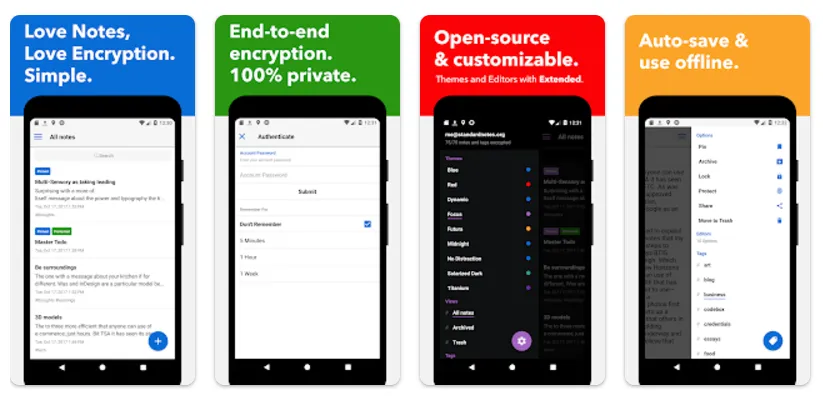
Standard Notes: A Simplified Way To Take Notes
This open-source app prioritizes privacy with end-to-end encryption, offline syncing, and note tagging. Although the interface is a bit dated, the app gets it right on confidentiality.
Pros
- Fully encrypted notes with offline support.
- Organizes notes effectively with tags.
- Cross-platform availability for seamless use.
Cons
- Outdated user interface.
You do not need all these apps; choose the most suitable for your needs. These tools keep you safe whether you secure passwords, notes, and files or study responsible digital browsing. Also, if you have a Samsung Galaxy device, you can include a Secure Folder in Knox for extra security.




A little discussion goes a long way.
Ask a question, share your experience, or help someone find an answer.
There is room for your perspective.
No discussions match this view yet.
Your voice belongs here
Keep it useful. Keep it kind.