
If you have applied for a Pakistani passport, you can now track its status online or via SMS without visiting the passport office. The Directorate General of Immigration and Passports (DGIP) has made the process digital, and the applicant can check whether the passport is printed, dispatched, or ready for collection.
Here’s a step-by-step guide on how to track your passport online, via SMS, or through the official DGIP mobile app.
What is Passport tracking in Pakistan?
DGIP (Directorate General of Immigration & Passports) offers a service known as passport tracking that allows applicants to track the status of their passport application.
Once you submit your application, you will receive a tracking token number. With this number, you can check
- Passport printing status
- Dispatch information
- Ready-for-collection updates
This system helps the applicants save time and avoid unnecessary visits to passport offices.
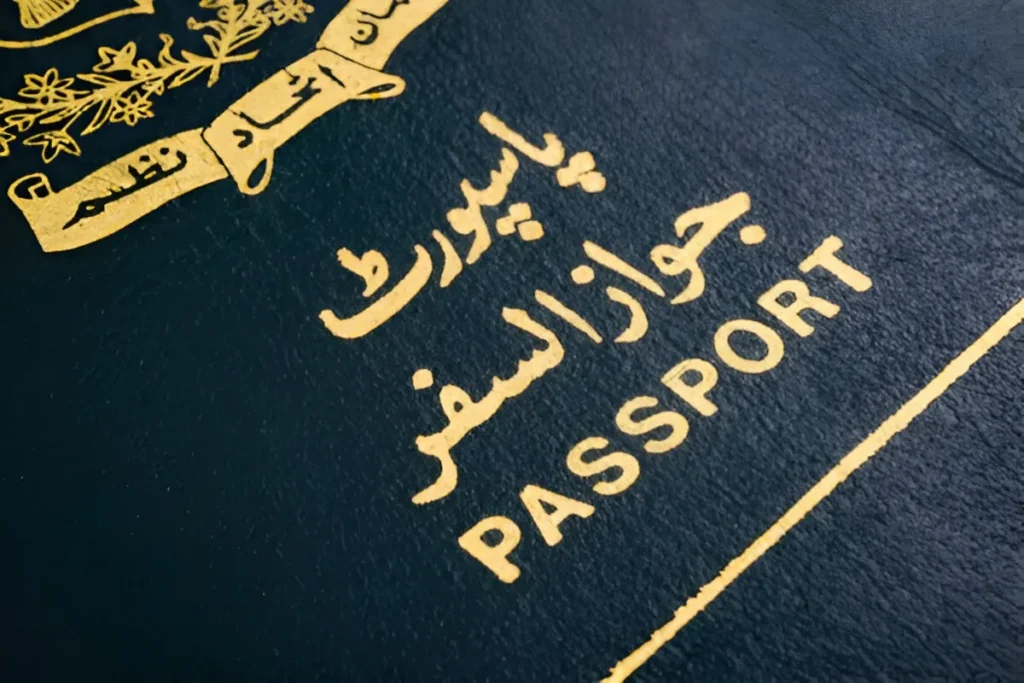
How to check Passport status online
You can track your passport online using the official DGIP tracking portal.
- Go to the official tracking portal: https://onlinemrp.dgip.gov.pk/
- Click on “Track Your Application”.
- Enter your Tracking ID (Token Number).
- Select your date of birth.
- Click Track to view your application status.
You will see one of these updates.
- Under Process: Passport is still being printed or verified.
- Dispatched: Passport has been sent from the printing center.
- Ready for Collection: Passport is now available at your preferred office.
- Delivered: Passport has been handed over to the applicant.
Passport tracking by SMS (Offline method)
If you do not have internet access, you can track your passport via SMS.
- Open the message app on your mobile.
- Type your 11-digit tracking token number.
- Send it to 9988.
- Now, you will receive an SMS with your passport’s current status.
Example: Send MP12345678901 to 9988.
Track Passport via DGIP mobile app
DGIP has also launched a mobile app that allows users to apply for new passports and track their status.
- Download the “Passport Application DGIP” app from Google Play Store.
- Log in using your CNIC and application details.
- Go to the “Track Application” section.
- Enter your tracking ID and track your application status.
The app also offers renewal options, fee details, and office locations across Pakistan.
Types of Passport processing & timeframes
| Type | Processing Time | Description |
|---|---|---|
| Normal | 10 working days | Standard processing for regular applicants |
| Urgent | 5 working days | Fast service with higher fee |
| Fast Track (Executive) | 2 working days | Premium processing for quick issuance |
You can track all types of passports using the same online or SMS method.
Common Passport tracking issues & fixes
Applicants may face delays or errors while tracking their passports. Here’s how you can fix common problems.
| Issue | Solution |
|---|---|
| Tracking ID not found | Check your token number again |
| Status not updating | Wait 24–48 hours after applying. |
| Passport delayed | Contact the issuing office or DGIP helpline. |
| SMS not responding | Try again later or use the online portal. |
7. DGIP Helpline & Contact Information
If you face any issue, contact the Directorate General of Immigration & Passports (DGIP).
- Official Website: dgip.gov.pk
- Helpline: 051-111-344-777
- Email: info@dgip.gov.pk
- Office Hours: Monday to Friday, 9 AM – 5 PM
You can also visit your nearest passport office.
FAQs About Passport Tracking Pakistan
Q1: How long does it take to get a passport in Pakistan?
Normal applications take around 10 working days, urgent and fast-track applications take 5 and 2 working days respectively.
Q2: Can I track a family member’s passport using my mobile?
Yes, you can check if you have their token number and date of birth.
Q3: Is the passport tracking SMS service free?
No, standard SMS charges apply according to your network provider.
Q4: What should I do if my passport shows “Dispatched” but not received?
Wait 24 hours or visit the respective passport office to collect it.


A little discussion goes a long way.
Ask a question, share your experience, or help someone find an answer.
There is room for your perspective.
No discussions match this view yet.
Your voice belongs here
Keep it useful. Keep it kind.