Close Menu
    Facebook X (Twitter) Instagram Pinterest YouTube Bluesky WhatsApp TikTok Threads RSS
    WikiTechLibrary
    • Converters & Media
    • Web Tools
    • Finance & Tax
    • Utility & Bills
    • Vehicle Tax
    WikiTechLibrary

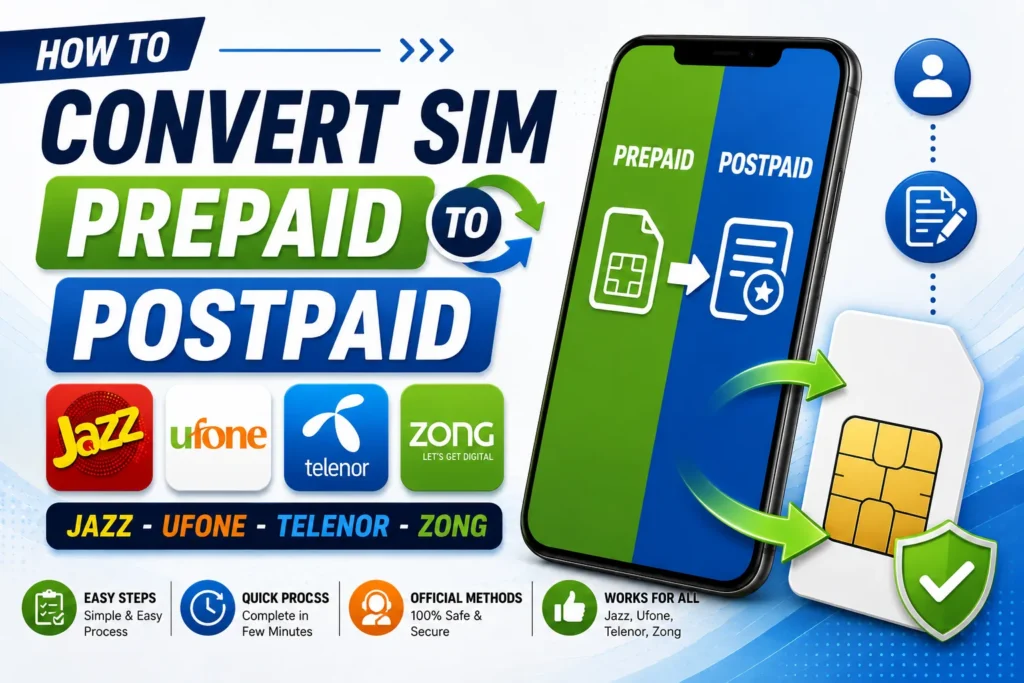
    Convert SIM Prepaid to Postpaid: Jazz, Ufone, Telenor, and Zong

    By Farah QaiserJune 25, 20261 Comment2 Mins Read
    Facebook Twitter WhatsApp Threads Copy Link
    convert sim prepaid to postpaid

    If you want to convert your prepaid Jazz, Zong, Telenor, or Ufone SIM to a postpaid one, you must follow this guide.

    How to Convert Jazz/Warid Prepaid to Postpaid

    Complete a request form with your CNIC at your nearest Jazz Franchise or Jazz Customer Service Center. A security deposit is required.

    You will receive your postpaid SIM card. Once your prepaid connection stops working, insert your new postpaid SIM card. Your postpaid SIM will be activated after some time. To learn about Jazz’s prepaid to postpaid conversion, visit Jazz’s official website.    

    How to Convert Telenor Prepaid to Postpaid

    To visit the nearest Telenor franchise, you must bring the following credentials: a copy of the original CNIC and the original CNIC Security deposit following the Price Plan. The franchise charges Rs. 100 for prepaid to postpaid migration.    

    How to Convert Ufone Prepaid to Postpaid

    Remember that the Ufone number must be registered in your name and that a Ufone change request will be made 60 days after the new SIM activation. You will bring your original CNIC and active Ufone SIM card to visit the nearest Ufone Franchise store or Ufone Service Center.  

    For the conversion from Prepaid to Postpaid, please use up all your SIM balance before requesting it, and provide a security deposit according to the package. Charges will apply for this conversion. Visit your nearest Ufone Franchise, and you can easily convert your prepaid to a postpaid number.    

    How to Convert Zong Prepaid to Postpaid

    The conversion from a Zong prepaid to a postpaid number is restricted to 90 days. This restriction will apply to the first conversion.  

    If a prepaid user wants to switch to a postpaid package while MCA is active, they will receive an error message saying,

    “For prepaid to postpaid, they must deactivate MCA before migrating into the Postpaid package.”  

    Converting to Postpaid will take about 15 minutes.

    Share. Facebook Twitter Pinterest LinkedIn Email WhatsApp Threads
    Farah Qaiser

      Farah Qaisar is a dedicated content creator at WikiTechLibrary, focusing on crafting easy-to-follow "how-to" guides for social media strategies, daily life hacks, and tech tips. With a passion for simplifying the digital experience, she creates tutorials that help users effectively navigate platforms and tools.

      Related Articles

      how to do easypaisa biometric verification

      How to Do Easypaisa Biometric Verification

      how to send easypaisa tohfa

      How to Send Easypaisa Tohfa

      jazzcash easypaisa

      How to Check IBAN Number of JazzCash & EasyPaisa Accounts

      easypaisa

      How to Delete the Easypaisa Account (Step by Step)

      ptcl withholding tax

      How to Check PTCL Current Package

      telenor quiz question answers today

      Telenor Quiz Today Answers, 17 September 2026

      JOIN THE CONVERSATION

      A little discussion goes a long way.

      Ask a question, share your experience, or help someone find an answer.

      1 comments
      NewestOldestMost helpfulUnanswered
      F
      FarhanApril 22, 2025

      Please huma bote sa boys ting ker ta ha

      Reply
      +

      Your voice belongs here

      Keep it useful. Keep it kind.

      Cancel reply

      Your email address will not be published.


      MOST VIEWED
      read whatsapp messages without notifying the sender How To

      How to Read a WhatsApp Message Without Notifying the Sender

      By Ahmad Ali
      fix emergency calls only error android How To

      How to Fix ‘Emergency Calls Only’ Error on Android

      By Ali Rehman
      how to use perplexity ai on whatsapp How To

      How to Use Perplexity AI on WhatsApp

      By Muqadas Fatima
      how to edit instagram highlights How To

      How to Edit Instagram Highlights

      By Farah Qaiser
      What's New

      AI Video Generator Clips Need a Real Compression Preview

      November 12, 2026
      image

      Made in America and Priced at $7,999: StarBot Launches Spark Humanoid Robot

      November 5, 2026
      tiktok adds voice notes and image carousels in comments

      TikTok Adds Voice Notes and Image Carousels in Comments

      September 4, 2026
      google messages adds ai detection to chat photos

      Google Messages Adds AI Detection to Chat Photos

      September 3, 2026
      © 2026 WIKITECHLIBRARY | All Right Reserved
      • About Us
      • Contact Us
      • Privacy Policy
      • Terms & Conditions
      • Disclaimer

      Type above and press Enter to search. Press Esc to cancel.