
Close Menu
    Facebook X (Twitter) Instagram Pinterest YouTube Bluesky WhatsApp TikTok Threads RSS
    WikiTechLibrary
    • Converters & Media
    • Web Tools
    • Finance & Tax
    • Utility & Bills
    • Vehicle Tax
    WikiTechLibrary

    How to Apply for CM Punjab Solar Panel Scheme

    By Waqas AmjadApril 29, 2024Updated:September 9, 2026No Comments2 Mins Read
    Facebook Twitter WhatsApp Threads Copy Link
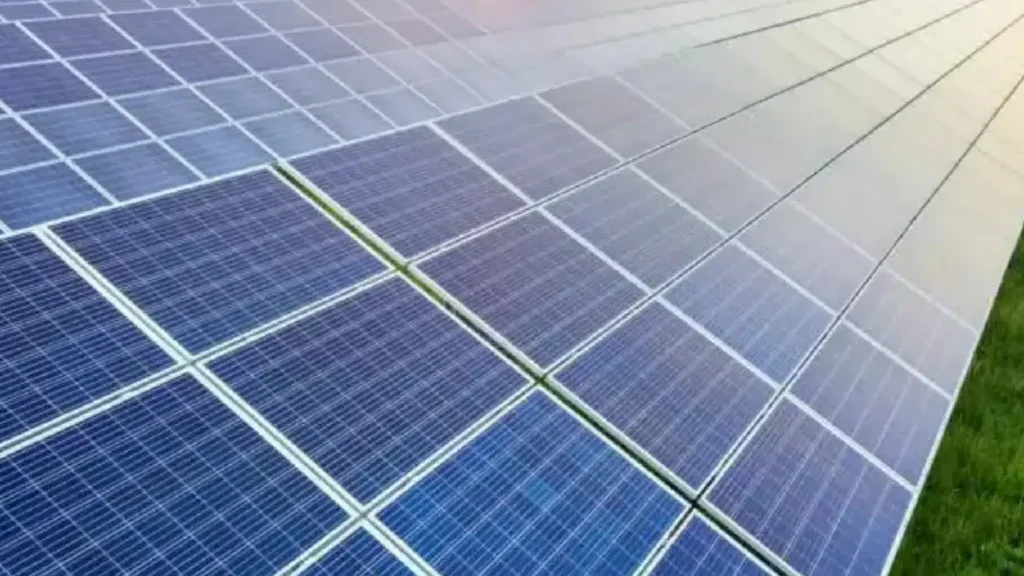
    cm punjab solar panel scheme apply online

    As the world moves towards green energy sources, Pakistan is moving ahead with the Punjab Roshan Gharana Scheme to use solar power. This initiative encourages citizens to participate in the country’s clean energy revolution.

    The primary goal of the Punjab Roshan Gharana Scheme is to encourage people to use solar energy in their homes and businesses. The plan aims to make the environment more eco-friendly and less reliant on fossil fuels by giving people incentives to put solar panels.

    Eligibility Criteria

    Those who want to join the CM Punjab Solar Panel Scheme must meet the following requirements:

    • Must be a Pakistani citizen.
    • Must possess a valid CNIC (Computerized National Identity Card).
    • Must own the property or have consent from the property owner for solar panel installation.
    cm punjab solar panel scheme

    Online Registration Process

    The online registration process for the CM Punjab Solar Panel Scheme is easy. Here is a step-by-step guide to applying for the scheme:

    Step 1: Visit the Official Website

    Visit the website for the Punjab Roshan Gharana Scheme. The website link will be provided by the relevant government department. Applicants can also apply for the scheme at any Bank of Punjab branch.

    Step 2: Fill out the Application Form

    After setting up your account, log in to access the application form. Provide all the required details, including property information, current electricity usage, and details of the proposed solar panel system.

    Alternatively, applicants can fill out the application form at the Bank of Punjab branch.

    Step 3: Submit Application

    Review all the information provided in the application form and ensure it before submitting it online or at the branch.

    Step 4: Application Review

    Once submitted, your application will be reviewed by the authorities. Please be patient as this process may take some time.

    Step 5: Approval and Installation

    You will be notified of the application status once it is approved. Upon approval, the next steps will involve the installation of the solar panel system at your property.

    Required Documents

    During the registration process, applicants need to submit the following documents:

    • Scanned copy of CNIC.
    • Property ownership documents or authorization letters from the property owner.
    • Recent electricity bills.

    The CM Punjab Solar Panel Scheme presents a valuable opportunity for individuals to engage in sustainable energy practices and benefit from incentives like net metering. By harnessing solar energy, participants can actively contribute to reducing carbon emissions and addressing climate change.


    Share. Facebook Twitter Pinterest LinkedIn Email WhatsApp Threads
    Waqas Amjad
    • Facebook
    • X (Twitter)
    • Instagram

    Waqas Amjad is a tech writer and the founder of WikiTechLibrary, focused on gaming, telecom, and how-to content. He has 8 years of experience testing apps, tools, and tech products, and writes practical guides based on hands-on use rather than surface-level research.

    Related Articles

    image

    TCL’s 75-Inch QD-Mini LED Art TV Is $600 Off for Black Friday

    Rockchip Motherboard Suppliers in China: Buyer Checklist and Uniwin-Global Overview

    A Lip-Synced Rap Clip From Face Photos You Already Have

    Why Shopping For Quotes Online Could Save Your Business Time and Money

    tcl-60xe-nxtpaper-5g-puts-a-different-screen-at-the-center-of-its-169-99-offer

    TCL 60XE NXTPAPER 5G puts a different screen at the center of its $169.99 offer

    A Practical Workflow for Managing a Multilingual Restaurant Menu

    JOIN THE CONVERSATION

    A little discussion goes a long way.

    Ask a question, share your experience, or help someone find an answer.

    0 comments
    NewestOldestMost helpfulUnanswered
    ◇

    There is room for your perspective.

    No discussions match this view yet.

    +

    Your voice belongs here

    Keep it useful. Keep it kind.

    Cancel reply

    Your email address will not be published.


    MOST VIEWED
    tiktok How To

    How to recover TikTok account

    By Ahmad Ali
    how to check someone elses instagram likes How To

    How to Check Someone Else’s Instagram Likes

    By Muqadas Fatima
    haikyuu legends redeem codes Gaming

    All Volleyball Legends Codes

    By Ali Raza
    king legacy codes Gaming

    All Roblox: King Legacy Codes

    By Ali Raza
    What's New

    AI Video Generator Clips Need a Real Compression Preview

    November 12, 2026
    image

    Made in America and Priced at $7,999: StarBot Launches Spark Humanoid Robot

    November 5, 2026
    tiktok adds voice notes and image carousels in comments

    TikTok Adds Voice Notes and Image Carousels in Comments

    September 4, 2026
    google messages adds ai detection to chat photos

    Google Messages Adds AI Detection to Chat Photos

    September 3, 2026
    © 2026 WIKITECHLIBRARY | All Right Reserved
    • About Us
    • Contact Us
    • Privacy Policy
    • Terms & Conditions
    • Disclaimer

    Type above and press Enter to search. Press Esc to cancel.
