
In this age of smart work, we all need some tools that serve as a bridge between the physical and digital worlds.
Being a professional writer, I always wanted to have an AI tool that can accurately transform handwritten and screenshots into text. Jpgtotext.io captured my attention and I found it the best in its features and efficiency.
It not only saves time, is free for unlimited use, but also has polyglot OCR models and compatibility with all image formats other than jpg.
A Brief Note to Jpgtotext.io
Jpgtotext.io is an AI-powered image-to-text converter. It utilizes Optical Character Recognition (OCR) technology, enabling the tool to recognize hand-written, typed, or scanned documents and extract text.
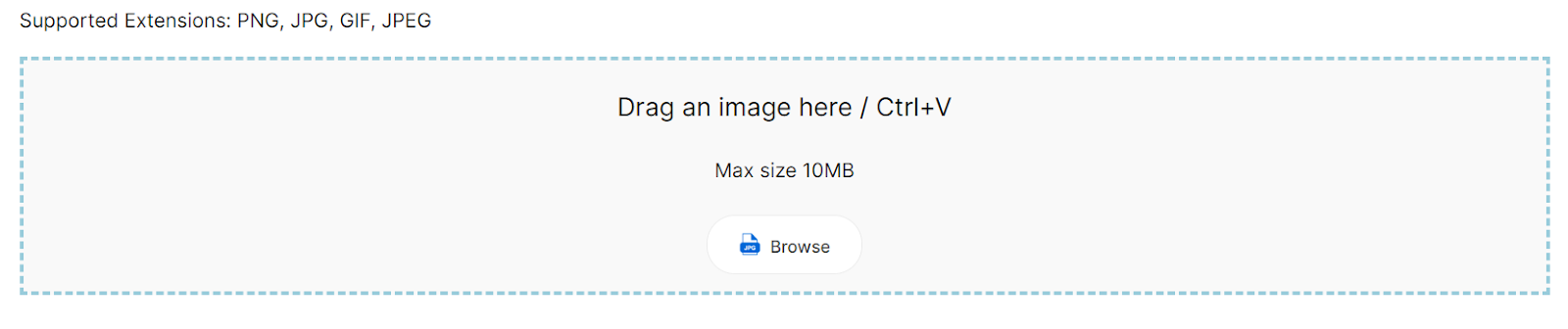
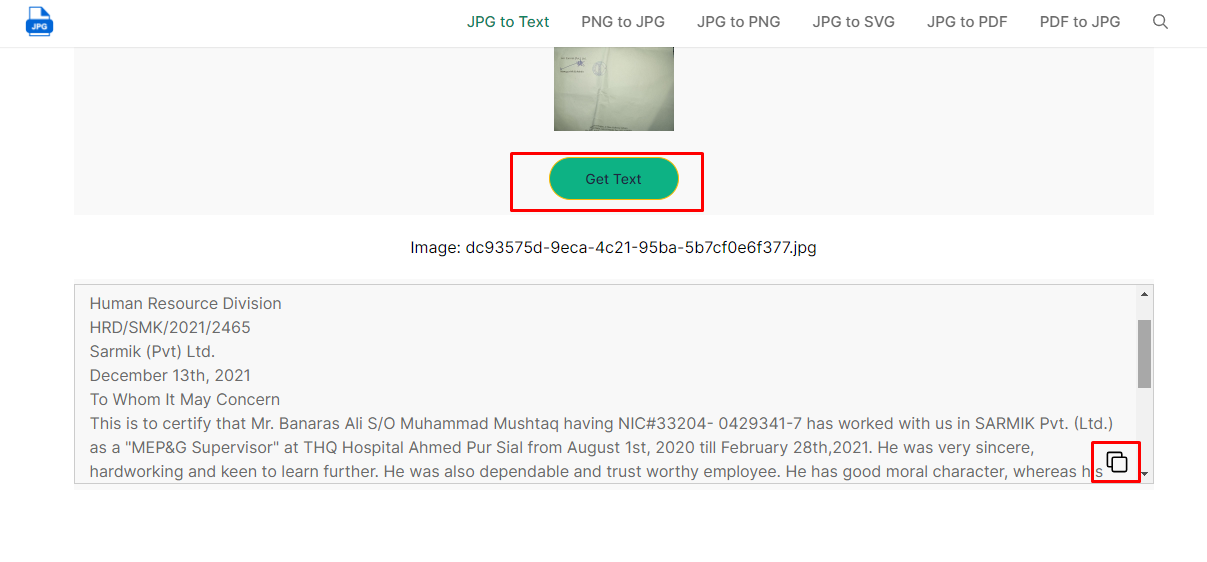
The resulting text is editable, accurate, and error-free. It has become a necessity in nearly every aspect of life as an alternative to manual text conversion.
Moreover, it is compatible with all image formats, requires only two steps to extract text, and features the most user-friendly interface.
Quality Features of Jpgtotext.io
The JPG-to-text converter tool has many reasons to distinguish it from the rest, with the most significant one being the level of accuracy and efficiency with which it copies text from images. Here is a brief overview of the quality features of this tool.
OCR Technology
It features the most advanced OCR technology that enables the tool to recognize handwritten or typed documents, distorted text, and diverse fonts.
It has replaced manual writing, typing, and physical storage of information, and eliminates the risk of errors that occur in the manual extraction of text.
Multilingual Images to Text Conversion
The capability of the JPG-to-text converter to extract text from images in any language is a blessing for users. It eliminates linguistic barriers and makes the data accessible to everyone.
Additionally, it saves users time that would otherwise be required for text extraction and subsequent translation into other languages for comprehension.
Exceptional Accuracy
The accuracy level of an image text converter refers to the output generated by the tool compared with the original text in the image. For example, if the tool can recognize all 50 characters in an image, the tool’s accuracy will be 100%.
This image to text converter boasts exceptional accuracy in recognizing and converting images into text, thanks to the built-in OCR technology.
Enhanced Accessibility
The versatile accessibility of this jpg to text converter is another reason for its popularity. It is accessible for users on any device having an internet connection.
Supports All Image Formats
This JPG to text converter supports all commonly used image formats, including PNG, JPG, GIF, and JPEG.
It helps save users’ time and energy by eliminating the need to convert images into a specific format before text extraction.
Privacy Policies
It is completely safe to upload confidential documents to this software for text extraction. It keeps the uploaded documents and extracted text out of the reach of other users.
Pricing of Jpgtotext.io
Jpgtotext.io is free to use and allows unlimited text extraction from hand-written, scanned, or typed documents.
How to Use Jpgtotext.io?
Converting an image into text has been kept very simple for the ease of beginners and saving the time of professionals. The user doesn’t have to sign up before using this tool.
- Upload the image
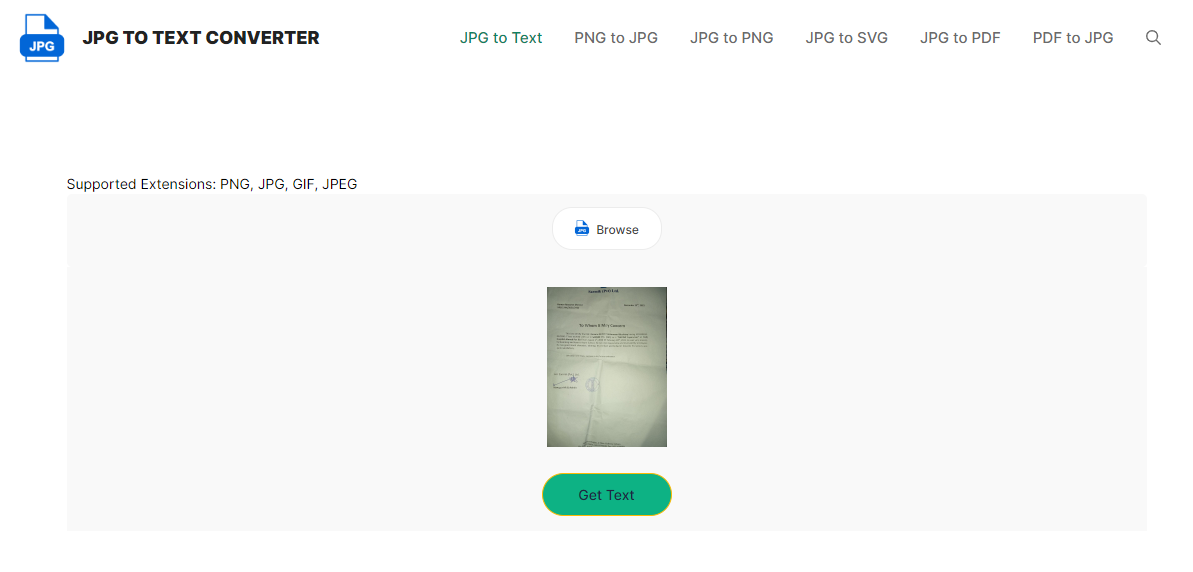
- Click on the button “Convert Text” and copy the extracted text
Practical Applications of Jpgtotext.io
JPG to text converter tool is gradually becoming a necessity for professionals and businesses.
It saves users time, and money, and enhances efficiency, capable of transforming any type of document into editable text within seconds. The following are some practical applications of this AI tool:
Fastest Alternative to Manual Writing
Nowadays, people prefer to store data, information, or documents on digital devices. For this purpose, an image to text converter is the fastest alternative to manual writing.
Whether it’s a survey, employee attendance, a book, or a patient record, the JPG-to-text tool can efficiently read and transfer the information from those images into text. The extracted text is editable and can be stored and shared.
Digitalization of Physical Documents
Technology has revolutionized the way we work in every field of life. The most significant change lies in the digitization of physical documents.
Storing and processing data in digital formats is not only easy but also cost-free. It also ensures the long-term safety of content or documents and their restoration if lost.
Efficient Way of Data Translation
Gone are the days when people used to manually extract or copy information or text from images.
Now, we have this incredible tool that can copy text from pictures with a single click and within seconds. The resulting content will be error-free, which may not be the case otherwise.
Data Entry Assistance
In this age where technology replaces human effort, this AI image to text converter is another tool trained to transcribe for us.
The user just has to upload the image to be used for content extraction and the rest will be done by the software.
Summary
Jpgtotext.io is one of the easiest-to-use, most advanced, and most efficient image to text converter tools.
The versatility and compatibility of the tool make it an invaluable image to text converter for individuals, businesses, and professionals alike.
It enables us to efficiently harness the power of visual content, saving users time and enhancing efficiency by eliminating the need for manual typing.
So, if you’re a student, researcher, or journalist and in search of an efficient text extraction tool, share your valuable experience with us!


A little discussion goes a long way.
Ask a question, share your experience, or help someone find an answer.
There is room for your perspective.
No discussions match this view yet.
Your voice belongs here
Keep it useful. Keep it kind.